← All guides
The working day / 2 min read
Label the charging cables.
Make simple flag labels with the Brother P-touch PT-H110 so you can tell similar charging cables apart at your desk.
By Handy Finds Club · November 11, 2026
Research-based recommendations. Our approach.
Start with the two cords you mix up
Set the charging cables on the desk and check which device you use each one with. Pick short labels you’ll recognize at a glance, such as PHONE and TABLET. If you switch devices often, name the cable by where it belongs, such as DESK or TRAVEL.
Position each label where you can read it when you reach for the plug. Leave a little room between the label and the connector so you can still grip the plug.
Print one flag to check the fit
Load Brother TZe Flexible ID tape designed for curved surfaces. Brother’s 12 mm black-on-white TZe-FX231 is one option. Press the PT-H110’s Cable key and choose the first template for the same short text on both faces. Enter the text, preview it, then print one copy.
Peel the backing, center the label around the cable and press the two ends together to make a flag. Check that the text is easy to read before printing the next one. The PT-H110’s cable templates set the label length automatically.
Check what comes with the label maker
The U.S. PT-H110 includes a 12 mm black-on-white laminated TZe sample. Flexible ID tape is a separate purchase. The label maker runs on six AAA batteries or an optional AC adapter, each sold separately.
If you only have a cord or two to mark, a handwritten cable tag may be enough. A handheld printer makes more sense if you also label other cords, drawers or desk supplies.
Sources & further details
Manufacturer links show current specifications, variants, and availability. Check those details before ordering.
Photo source and image license
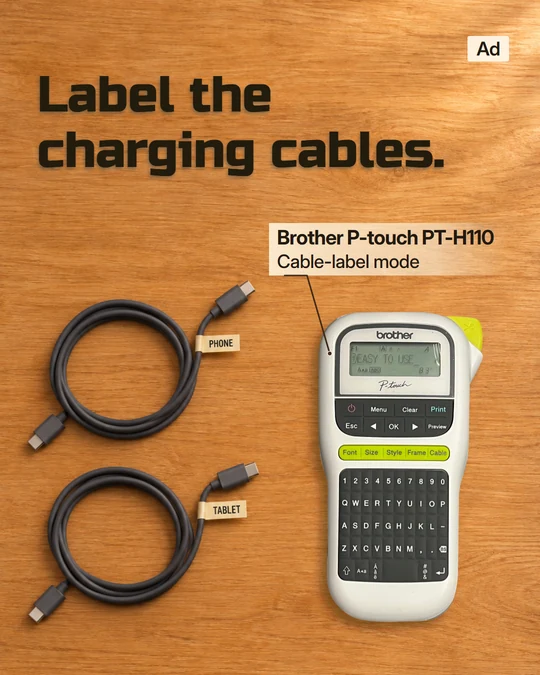
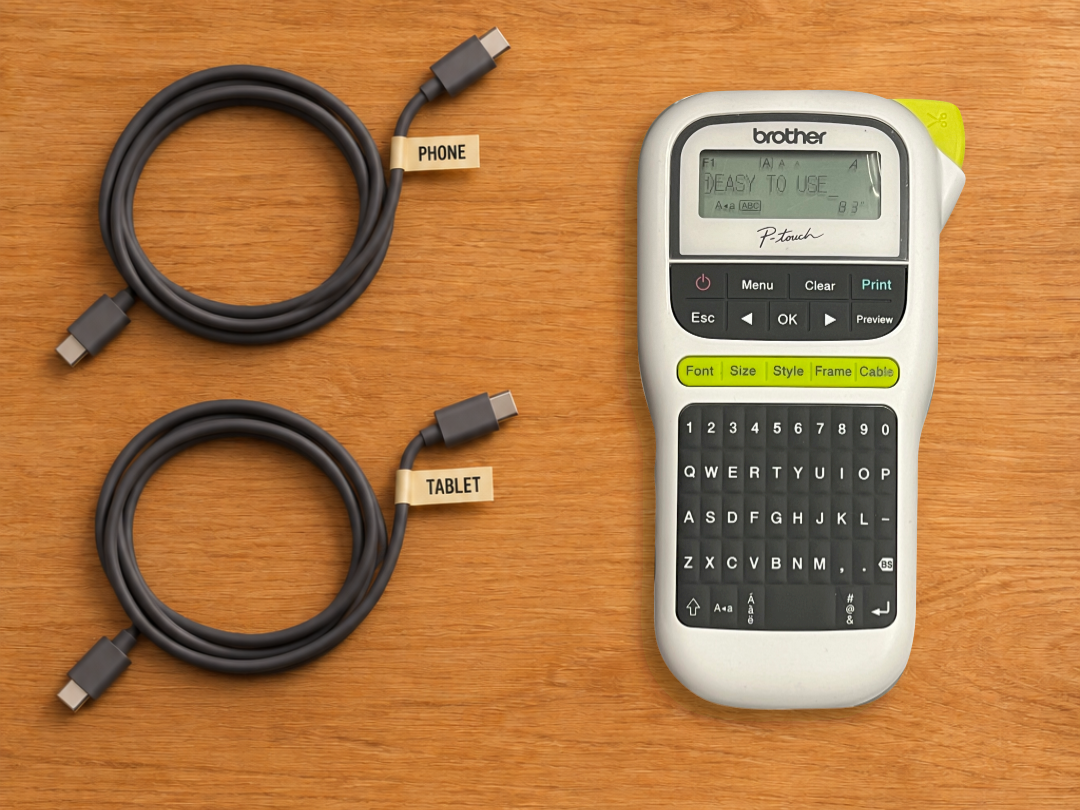
Brother P-touch PT-H110.jpg by TaurusEmerald, July 17, 2024, via Wikimedia Commons. CC BY-SA 4.0. The photo shows a non-working retail display unit with a demo screen.
We removed the original display backing and background, converted the cutout to sRGB, resized it proportionally and added contact shadows in an AI-generated desk scene. We kept the original casing, keys, logos and demo screen. The cable flags are illustrative. The social versions crop the scene and add a headline, product label, leader line and Ad marker. The adapted scene and social composites are licensed CC BY-SA 4.0. View the full-resolution scene.
Back to the picks ↑